
That pattern is common among consultants, educators, coaches and purpose-driven organisations. The problem is rarely the quality of the thinking. It is that the best ideas are buried inside a format that only your most committed viewers will sit through. When you repurpose long-form video into short-form clips, those ideas reach people who would never press play on a full episode, and each clip gives them a reason to come back for more.
This guide explains how to repurpose long-form video with a clear strategy rather than a pile of random cuts: what to choose, how to edit, where to publish and what to avoid.
What does it mean to repurpose long-form video?
To repurpose long-form video means turning one longer recording, such as a webinar, podcast episode, interview, course lesson or YouTube video, into several short, standalone clips designed for platforms like YouTube Shorts, Instagram Reels, TikTok and LinkedIn. Each short-form clip carries one complete idea, is reframed for vertical viewing and is edited to hold attention in the first few seconds.
Repurposing long-form to short-form video is not the same as chopping a recording into equal segments. A useful clip makes sense to someone who has never seen the original video. It has its own hook, its own point and, ideally, a path back to the full piece of content.
Why expert-led brands should repurpose long-form video
Expert-led brands should repurpose long-form video because it multiplies the value of work you have already done. For experts and organisations that publish educational content, the benefits are practical:

- More reach from the same effort. One recording can supply a week or more of short-form posts without new filming.
- A better first impression. Short-form clips introduce your expertise to people who do not yet know you, and long-form video deepens trust once they are interested.
- Consistency without burnout. A steady clip schedule keeps your channels active even when you cannot record new material every week.
- Clearer messaging. Selecting the strongest moments forces you to identify the ideas your audience responds to most, which sharpens future content.
The two formats do different jobs. Long-form video builds depth and authority. Short-form video drives discovery. A repurposing workflow connects them so each one strengthens the other.
Which long-form videos are worth repurposing?
The long-form videos worth repurposing are the ones that contain clear, self-contained insights your ideal clients care about. Before you open an editor, review your library and look for:
- Direct answers to client questions. Moments where you explain a concept, correct a misconception or answer a common objection.
- Frameworks and steps. A three-step process or a simple model can become a clip on its own or a short series.
- Strong opinions and stories. A brief client lesson (shared without confidential details), a contrarian view or a “what most people get wrong” moment.
- Evergreen topics. Ideas that will still be useful in six months travel further than commentary on short-lived news.
Tutorials, interviews, panel discussions, podcast episodes and webinars usually hold the richest material. Highly visual or context-heavy recordings, such as a screen-share that depends on the previous 20 minutes, are harder to clip and may need a voiceover or on-screen text to stand alone.
How to repurpose long-form video into short-form clips: a 7-step workflow
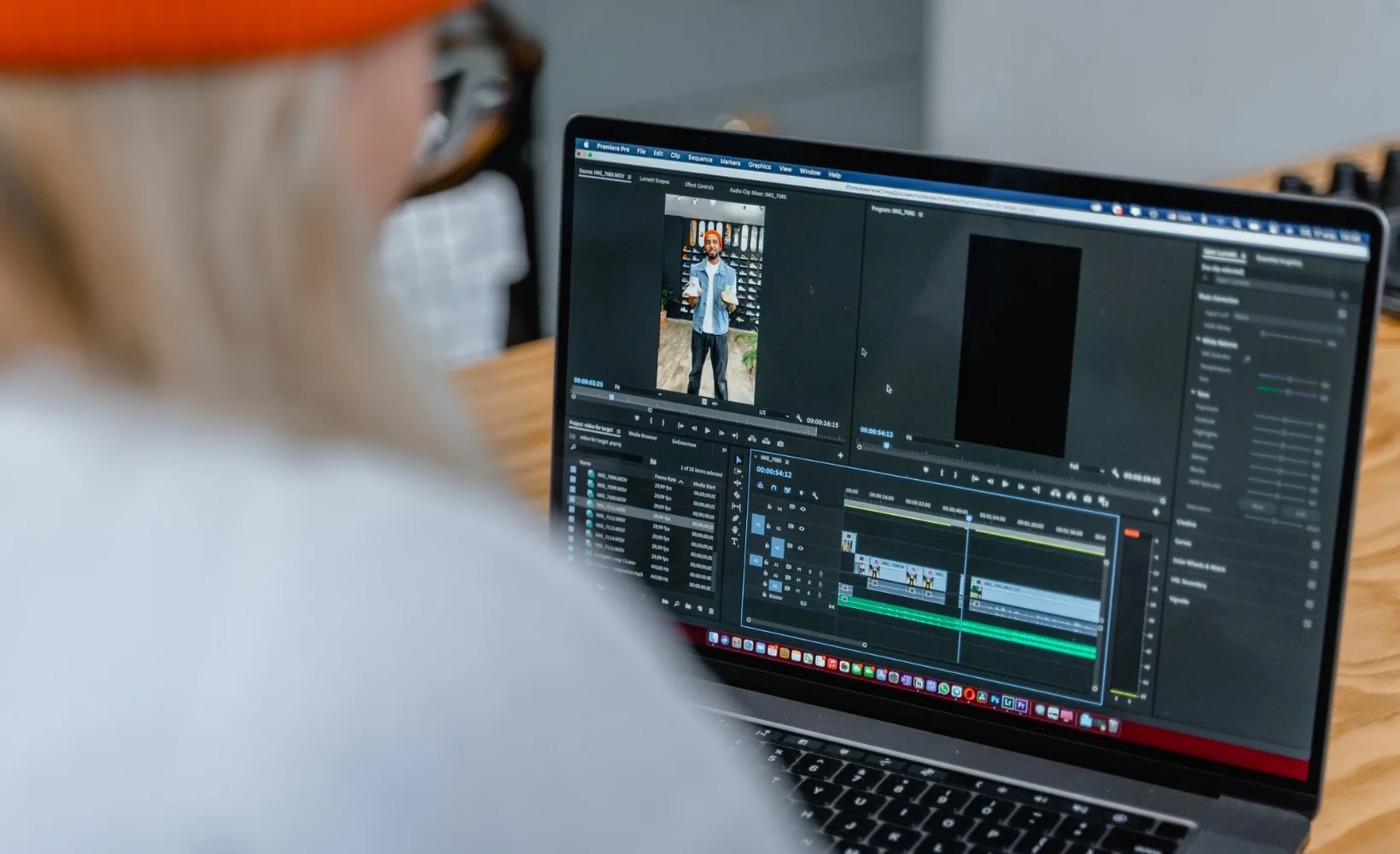
The most reliable way to repurpose long-form video is to treat clipping as an editorial process, not just an editing task. This seven-step workflow keeps quality and strategy at the centre.
1. Start with the goal and the audience
Decide what the short-form clips should achieve before you choose them. Building awareness with new viewers, driving traffic to the full video and promoting a program or service each lead to different clip choices and calls to action. Name the audience too. A clip for school leaders on LinkedIn will not look like a clip for parents on Instagram.
2. Get a transcript and mark the moments
A transcript makes the long-form video searchable. Read or skim it and mark timestamps for every passage that answers a question, delivers a framework or contains a quotable line. Aim for more candidates than you need so you can choose the strongest.
3. Choose clips that stand alone
Test each candidate with one question: would this make sense to someone scrolling past with no context? Cut anything that relies on “as I said earlier” or a slide the viewer cannot see. Most strong clips can be summarised in one sentence. If you cannot summarise the clip, the clip is probably not ready.
4. Build the hook first
The opening seconds decide whether a short-form clip is watched or skipped. Start the clip at the most compelling line, even if that means rearranging the order or adding a short on-screen headline that frames the problem. Remove greetings, warm-up phrases and pauses.
5. Reframe, caption and brand the clip
Most short-form platforms are built for vertical 9:16 video, so horizontal footage needs to be reframed with the speaker kept in view. Add accurate captions, because many people watch with the sound off, and captions also support accessibility. Apply consistent branded subtitles, colours and lower thirds so viewers start to recognise your content across platforms.
6. Adapt for each platform
Repurposing does not mean posting the identical file everywhere. Adjust the length, cover image, caption and call to action for each platform. YouTube currently classifies vertical or square uploads of up to three minutes as Shorts, and YouTube Studio lets you link a Short to a related long-form video so viewers can move to the full piece. Length limits on Instagram, TikTok and LinkedIn change regularly, so check current platform guidance before you finalise exports.
7. Publish on a schedule and review what works
Spread clips across days or weeks rather than releasing them all at once. After a few weeks, review which topics, hooks and formats earned the most watch time, saves, comments and clicks to the full video. Feed those lessons into your next long-form recording so future content is easier to repurpose.
Plan to repurpose long-form video before you record
The easiest way to repurpose long-form video is to plan for it before the camera starts rolling. When you outline a webinar, episode or tutorial, structure it in clear segments, state each key point in one or two crisp sentences and pause briefly between sections. Some teams add a “clip list” to the bottom of the script so editors know which moments are intended for short-form content.
In our podcast-to-video and YouTube production work at DelCreatives, the biggest time savings usually come from this planning step rather than the edit itself. A recording with clear segments can produce more usable clips, with less rework, than a longer recording that wanders.
AI clipping tools or a human editor: how to decide
AI clipping tools can help you repurpose long-form video faster, and they are useful for a quick first pass. They can transcribe, suggest highlights, reframe the speaker and add captions within minutes. For high-volume creators, that speed matters.
The trade-off is judgement. Automated tools often select moments based on energy or keywords, not on whether the clip represents your expertise accurately or supports your business goals. For consultants, educators, healthcare and wellbeing professionals, and organisations that serve families or children, a clip taken out of context can create confusion or undermine credibility.

A practical approach for expert-led brands is to combine both:
- Use AI tools to speed up transcription, rough cuts and captioning.
- Have a human editor or strategist choose the final clips, check accuracy and context, refine the hook and apply brand standards.
- Keep a review step for sensitive subject areas, such as health, legal topics, education and child wellbeing, before anything is published.
Common mistakes when you repurpose long-form video
These mistakes make repurposed clips underperform or weaken how the audience sees your brand:
- Cutting without a strategy. Random highlights rarely build momentum. Every clip should support a topic, an audience and a next step.
- Weak openings. Starting with “So, today I want to talk about…” loses viewers before the point arrives.
- Missing or inaccurate captions. Auto-generated captions often misspell names and technical terms, which looks careless.
- Losing context. A clip that sounds like advice for everyone can mislead when the original point had important conditions.
- Posting the same file everywhere. Each platform has its own conventions for length, captions and calls to action.
- No path back to the full video. Short-form content works best when it leads viewers to the deeper resource, service or program behind it.
- Never reviewing results. Without a regular review, you keep producing the clip types that do not work.
Do you need a repurposing system or occasional clips?
Occasional clips are enough if you only need to repurpose long-form video a few times a year and simply want to promote each piece. A repeatable repurposing system makes more sense when you publish a podcast, YouTube series or webinar program regularly, when you serve several audiences, or when short-form content needs to support launches and lead generation.
A system usually includes a planning template, a clip-selection checklist, brand guidelines for captions and graphics, a publishing calendar and a monthly performance review. It turns video repurposing from a scramble into a routine that runs alongside your long-form production.
Frequently asked questions
How many short clips can one long-form video produce?
The number of short-form clips depends on the length and density of the recording. A focused 30 to 60-minute webinar or podcast episode can often yield several strong clips, but quality matters more than quantity. Publish the clips that stand alone and support your goals rather than forcing a fixed number.
How long should a repurposed short-form clip be?
A repurposed clip should be as long as the idea needs and no longer. Many effective clips run well under a minute, while educational explanations may need more time. YouTube Shorts can currently run up to three minutes, but the maximum length is a limit, not a target.
What should you do with old videos?
One of the most useful things to do with old videos is to repurpose long-form video from your archive into short clips. Older webinars, interviews and tutorials are often an untapped library of short-form content, provided the information is still accurate. Review older recordings for outdated statistics, pricing, platform features or guidance before clipping them.
Should short clips link back to the full video?
Short-form clips should link back to the full video whenever the goal is deeper engagement. A link in the caption, a pinned comment or YouTube’s related-video link for Shorts gives interested viewers an easy next step.
Turn your existing videos into a consistent content engine
Your existing recordings already hold the insights your audience needs. With a clear strategy, careful editing and a repeatable workflow, you can repurpose long-form video into short-form clips that reach new viewers, reinforce your authority and lead people back to your deeper content and services.
DelCreatives helps experts, educators and purpose-driven organisations build video and YouTube systems, including long-form editing, short-form repurposing and podcast-to-video workflows. If you want more value from every recording, explore our Video and YouTube Growth services or get in touch to discuss your current workflow.
Related Articles

Video Editing · August 5, 2025

Video Editing · March 14, 2025